

Scan Bodies for Dental Implants: Common Errors That Affect Restoration Accuracy
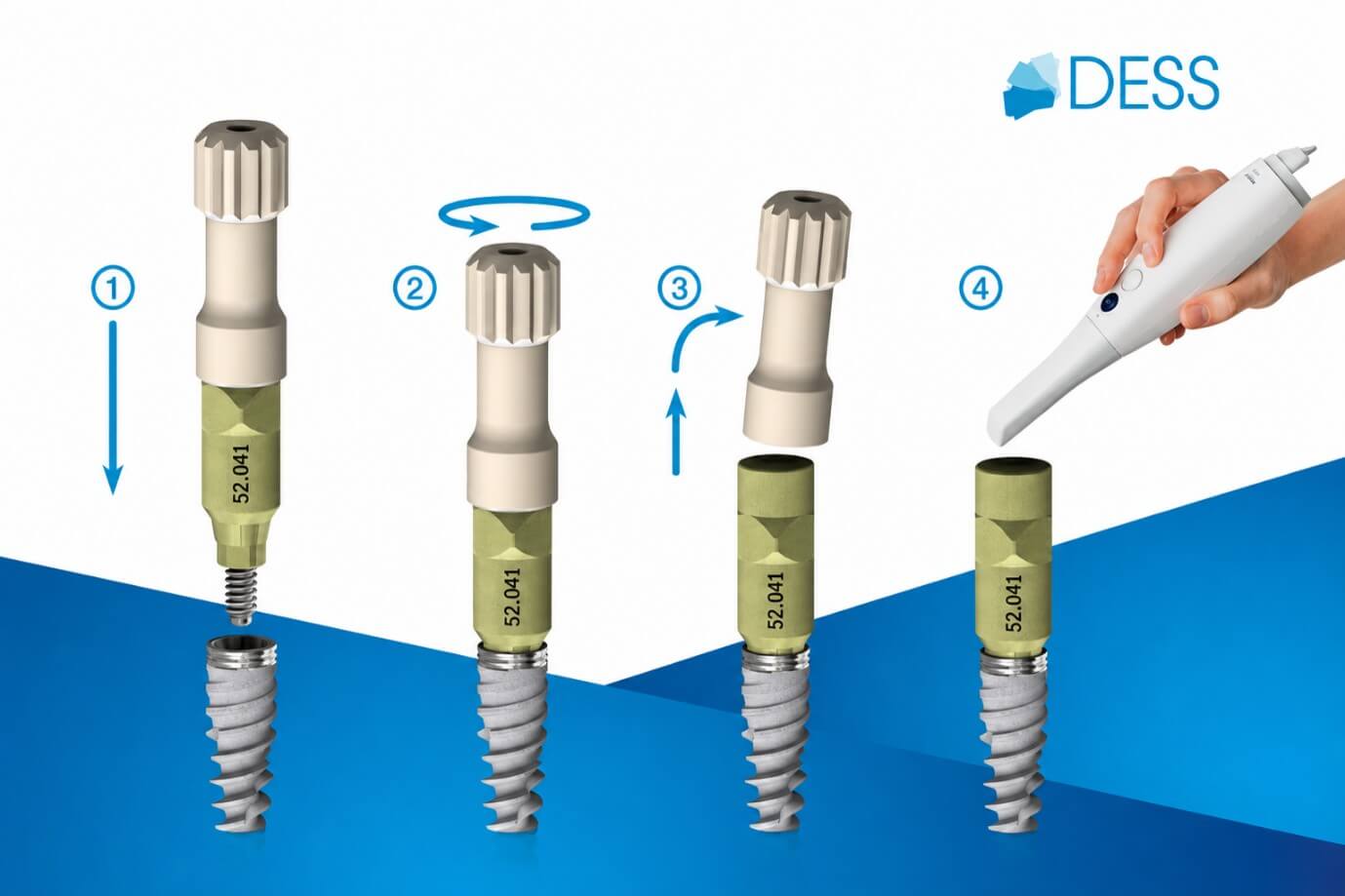
In digital implant workflows, scan bodies for dental implants are the bridge between the implant position in the mouth and the restoration designed in CAD software. When a scanbody is selected, seated or scanned incorrectly, that error is carried silently through the entire workflow — and often only becomes visible when the finished restoration does not fit. For laboratories, this means remakes, delays and avoidable cost.
This article looks at the most common scanbody errors that compromise restoration accuracy, where they occur in the workflow, and how laboratory teams can build in verification steps to reduce misfit and remakes.
What are scan bodies for dental implants?
A dental scanbody is a component that connects to the implant or abutment and provides a defined, machine-readable geometry that an intraoral or laboratory scanner can capture. The scanner does not record the implant connection directly; instead, it captures the scan body, and the CAD software uses a matching library file to calculate the exact position, depth and rotation of the implant.
This means an implant scanbody is only as accurate as three things allow: correct component selection for the implant system, complete and stable seating at the time of scanning, and a CAD library that precisely matches the physical scan body being used.
Why scan body accuracy matters in implant restorations
The role of scanbody accuracy is easy to underestimate because a scan body error rarely announces itself. A restoration designed on an inaccurate implant position may look perfect on screen and mill cleanly, yet fail to seat passively in the mouth. In multi-unit and full-arch cases, a small positional error at one implant is amplified across the span, affecting passive fit and long-term mechanical stability.
Because dental scanbody accuracy underpins the entire digital chain, it is far more efficient to prevent errors at the scanning stage than to detect them after milling.
Common scan body errors that affect final fit
Most scanbody errors fall into a small number of recurring categories: selecting the wrong scan body for the implant system or platform, incomplete or unstable seating, a poor scan strategy that gives the software insufficient reference geometry, CAD library mismatch, and — critically — the absence of any verification step before design or milling.
Individually, each of these can produce dental implant misfit. In combination, they make the source of an error very difficult to trace once the case has moved downstream.
Seating, positioning and platform selection: where mistakes happen
Incomplete scanbody seating is one of the most frequent and underestimated errors. If a scan body is not fully seated — because of soft tissue, a blood or saliva film, or debris at the connection — the recorded implant position will be shallow or tilted. The result is an inaccurate scanbody position that propagates directly into the design.
Platform selection is equally important. A scan body that is dimensionally close but not matched to the exact implant platform and connection can seat imperfectly or be paired with the wrong library. Scan bodies should always match the implant platform, not simply the brand family. Confirming complete seating visually, and radiographically where appropriate, before scanning is a simple step that removes a large share of these errors.
CAD library mismatch and digital workflow problems
Even with a correctly seated scan body, the workflow can still fail at the design stage if the CAD library scanbody file does not match the physical component. An outdated library, an incorrect platform selection within the software, or a discrepancy in offset values will produce a design based on the wrong reference geometry — regardless of how accurate the scan itself was.
Keeping libraries current, installed correctly and matched to the exact scan body in use is therefore not a formality but a core accuracy control in any digital implant workflow.
How labs can verify scan body workflows before design or milling
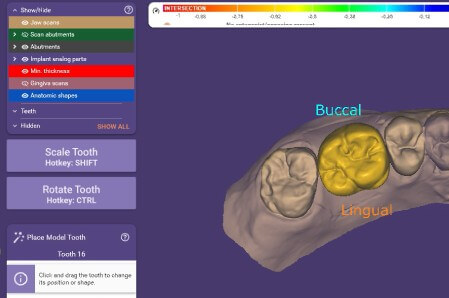
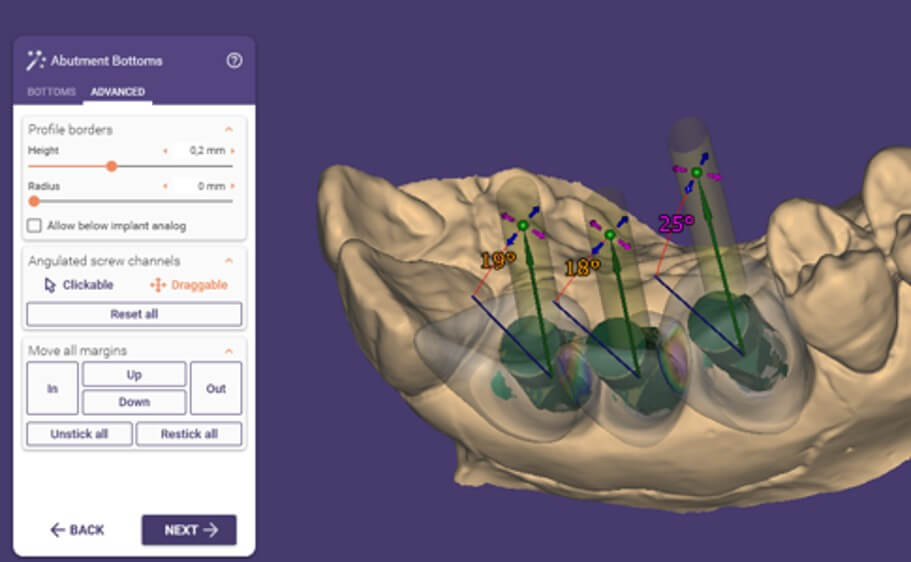
The most effective way to reduce scanbody-related remakes is to build verification into the workflow rather than relying on the finished restoration to reveal problems. Practical checkpoints include confirming component and platform selection against the implant system before scanning, verifying complete seating, using a scan strategy that captures adequate reference geometry, and confirming that the CAD library matches the physical scan body before design begins. In complex cases, a verification step comparing the digital model against the known implant positions adds a further safeguard.
How DESS® scan abutments and CAD/CAM libraries support accurate workflows
Consistency between the physical component and the digital library is central to accurate digital workflows. DESS® Scan Abutments are designed to seat fully and stably at the implant connection and are validated for use with the corresponding DESS® CAD/CAM libraries, helping to keep the physical and digital sides of the workflow aligned.
Correct setup matters as much as component selection. DESS® CAD/CAM library installation guides support correct installation and updates, while the DESS® implant brand compatibility resources help multi-brand laboratories verify platform and connection before scanning. For recurring workflow issues, DESS® technical support and documentation provide a practical next step. As always, laboratories should follow the official IFUs and library documentation for each system.
FAQ
What are scan bodies used for dental implants?
Scan bodies provide a defined, scannable geometry that lets an intraoral or laboratory scanner capture the exact position, depth and rotation of an implant. The CAD software then uses a matching library to translate that geometry into an accurate implant position for restoration design.
How can scan body seating affect restoration fit?
If a scan body is not fully seated at the time of scanning, the recorded implant position will be inaccurate. That error carries into the design and milling stages and can produce a restoration that does not seat passively, even though it appeared correct on screen.
What happens if the wrong scan body or CAD library is used?
Using the wrong scan body for the implant platform, or a CAD library that does not match the physical component, produces a design based on incorrect reference geometry. The restoration may mill cleanly but fail to fit, often requiring a remake.
Do scan bodies need to match the implant platform?
Yes. Scan bodies should match the specific implant platform and connection, not just the brand family. A component that is dimensionally close but not matched can seat imperfectly or be paired with the wrong library, both of which compromise dental implant restoration accuracy.
Explore DESS® scan abutments and CAD/CAM libraries for digital implant workflows →



David Cuervo ist ein Spezialist für Zahnprothetik bei DESS Dental, als Teil unserer Abteilung für technischen Support sind er und Oriol für die Kundenbetreuung zuständig.
-
Titanium in Implantology: A Scientific Perspective
 September 15, 2026
 -
Scan Bodies for Dental Implants: Common Errors That Affect Restoration Accuracy
August 28, 2026
-
Peri-Implant Soft Tissue and the Long-Term Success of Implant-Supported Restorations
August 21, 2026
-
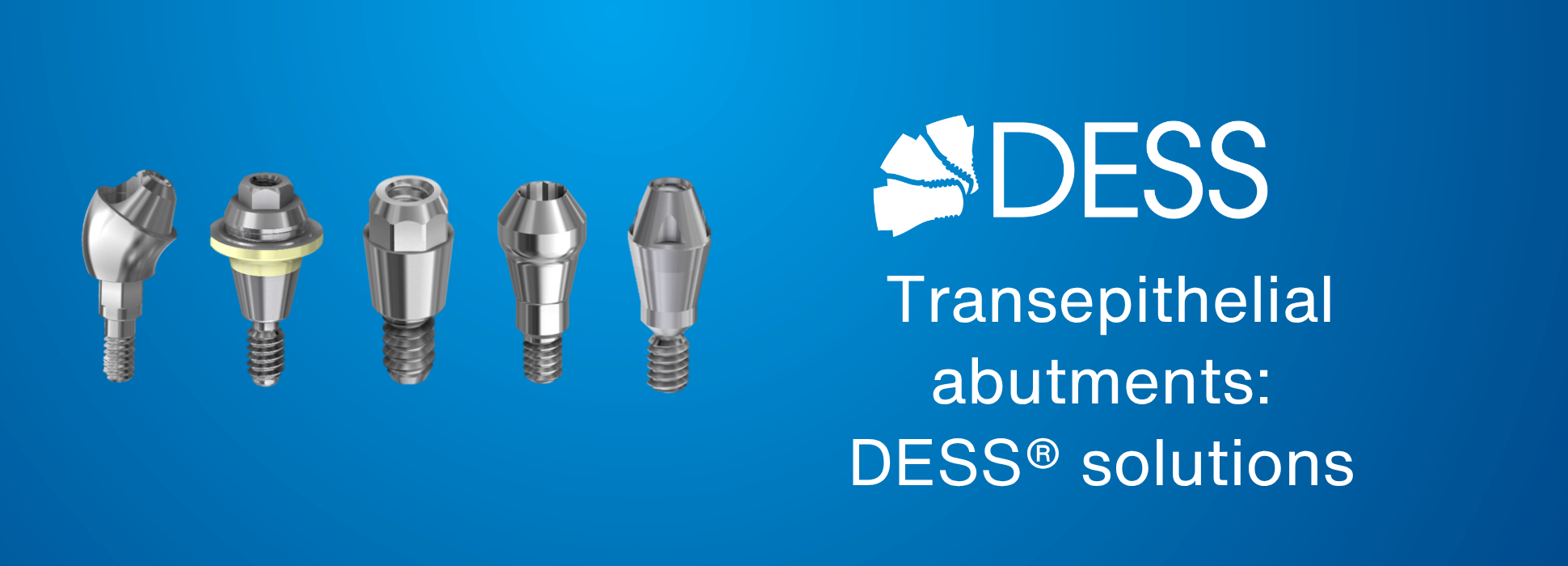
Transepithelial abutments: DESS® solutions for screw-retained implant restorations
 July 29, 2026
 -
KOL Interview: Digital Workflows, Precision & Predictable Implant Restorations
 July 28, 2026