

DESS® Fiduciary Markers for Distributors: Benefits, Formats and Key Selling Points
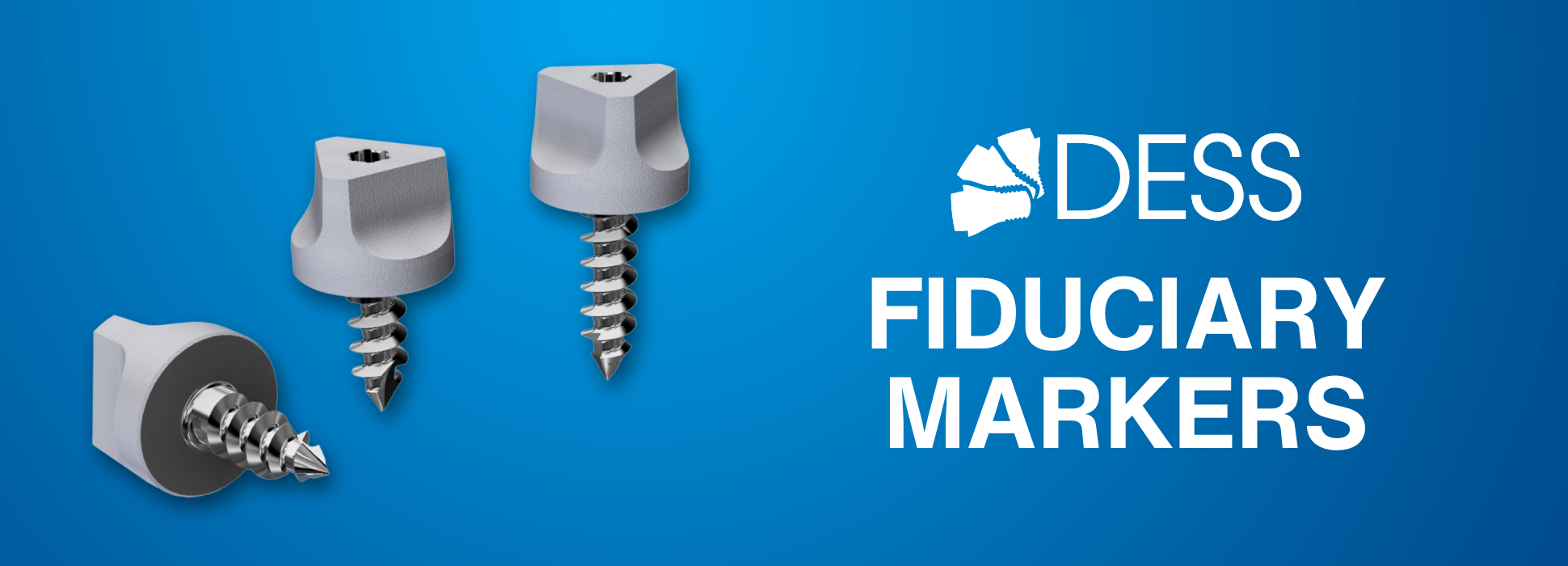
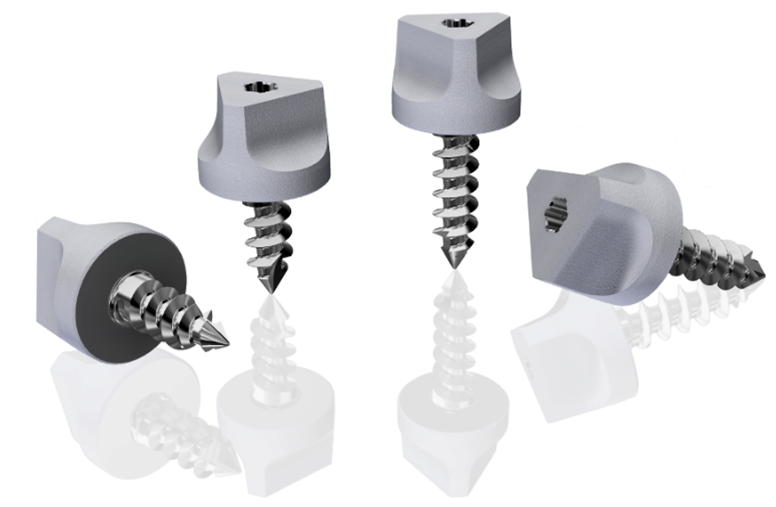
DESS® fiduciary markers are precision-engineered reference markers designed for full-arch restorations and digital implant workflows. They act as stable reference points that allow accurate alignment between intraoral (CBCT) or photogrammetry scans and scan body scans — ensuring precise digital model merging without the need for additional libraries.
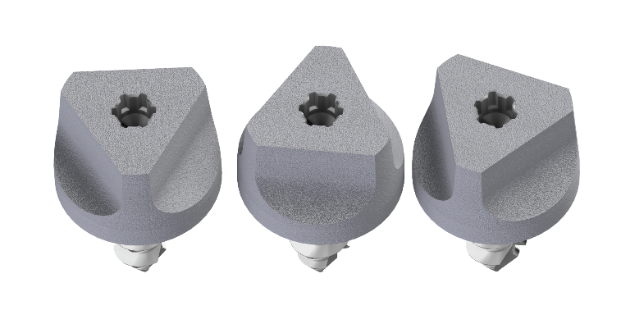
In addition, DESS® Fiduciary Markers feature our proprietary SelectGrip® surface treatment, a micro-textured sandblasted finish applied to the head of the marker to optimize optical capture during digital scanning. This sandblasting minimizes specular reflections and improves light diffusion, allowing intraoral scanners and photogrammetry systems to detect the marker geometry with greater reliability. As a result, clinicians obtain cleaner scan data and more consistent reference points for accurate digital alignment.
Why are they important?
Full-arch implant cases require high-accuracy data capture and alignment.
Fiduciary Markers help clinicians:
ü Simplify scan alignment between different data sets (e.g., CBCT intraoral scans and scanbody scans).
ü Improve accuracy and reproducibility of full-arch digital workflows.
ü Reduce scanning time and errors in large-span restorations.
ü Work seamlessly with Exocad, 3Shape, and other design software CAD/CAM
Key Features & Benefits
| Feature | Benefit for Clinicians |
| No library required |
The scanner recognizes the marker as a visible reference point – no parameter file needed. |
|
Single-surgery use |
Ensures high accuracy and sterility for each case. |
| Easy handling | Uses the standard Unigrip® screwdriver for placement and removal. |
| Compatible workflow | Works with intraoral scanning, CBCT and photogrammetry systems. |
| Digital precision | Enables smooth STL merging and accurate model registration. |
Sterilization & Use
ü Intended use: single-surgery only (not reusable).
ü Sterilization: provided non-sterile; must be autoclaved before clinical use.
ü Re-sterilization or reuse is not recommended, as it can compromise geometry precision and accuracy.
Packaging
- BFS226-P2: Pack of 2 Fiduciary markers (6 mm)
- BFS226-P4: Pack of 4 Fiduciary Markers (6 mm)
- BFS228-P2: Pack of 2 Fiduciary Markers (8 mm)
- BFS228-P4: Pack of 4 Fiduciary Markers (8 mm)
Troubleshooting Guide (Quick Support Tips)
|
Issue |
Possible Cause |
Suggested Solution |
|
Markers not visible in scanner image |
Excess saliva or soft-tissue coverage. |
Dry the area or retract tissue slightly. |
|
Misalignment when merging STL files |
Insufficient marker visibility or overlapping geometry |
Ensure each marker is fully scanned from multiple angles; re-align using clear reference points. |
|
Marker movement during scan |
Not fully seated or excessive torque applied |
Hand-tighten only with Unigrip® screwdriver; check seating before scanning. |
|
Scanner fails to detect marker geometry |
Incorrect exposure settings or reflections |
Adjust scanning mode to high-accuracy; minimize reflections. |
FAQ Highlights
Do I need a specific DESS® library?
No — the Fiduciary Markers are visual reference points. The scanner detects them directly, and exocad can merge scans using their geometry.
Are they reusable?
No — each marker is intended for single-surgery use only, to guarantee precision and hygiene.
What is the recommended sterilization method for these markers before use?
Clean and dry markers thoroughly prior to sterilization.
Steam autoclave is the common method for metallic markers (e.g., validated cycles such as 134°C short cycle or 121°C long cycle).
Which screwdriver should I use?
The Unigrip® screwdriver is compatible for both placement and removal.
Does the marker require any specific torque or insertion technique?
If using a handpiece, set the motor to 20-30 RPMs. Max Torque 20 NCM if at placement the Fiduciary Marker exceeds 20 NCM – STOP – back out the Fiduciary Marker, then proceed again.
How many markers should I use per arch?
Between 1 and 4 markers per arch, depending on the case complexity. This allows for reliable triangulation and scan alignment.
Where exactly should the fiduciary markers be inserted? Are there recommended areas or reference points in the arch?
- Maxilla: palate or/and canine/premolar region and posterior molar region.
- Mandible: lower-anterior vestibular region or/and canine/premolar and posterior regions.
Technical recommendations for optimal results
- Ensure that the surfaces of the fiduciary marker are clean and clearly visible before scanning.
- Capture each fiduciary marker from multiple angles to ensure proper detection.
- Avoid areas with mobile soft tissue that could cover the fiduciary marker during scanning.
- For photogrammetry, maintain even lighting and avoid shadows.
- After removal, visually check that no deformation has occurred.
Tip: Perform an initial scan pass focusing exclusively on the fiduciary markers to ensure they are properly captured.
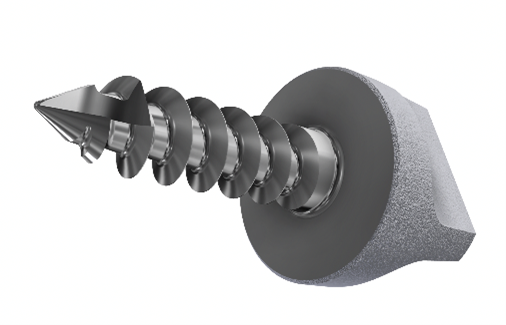
DESS® fiduciary markers are an effective, precise, and optimised solution for clinics working with demanding digital protocols. Whether for scan synchronisation or complex procedures like photogrammetry, these markers serve as a key tool to achieve reliable and high-precision restorations.
If you’re looking for a high-quality product with immediate availability and technical support, DESS® has the answer. Visit our online store and explore our full range of fiduciary markers.
Need more information? Our team is here to help. Call us at +34 93 719 8995 or email us at [email protected] — we’ll be happy to assist you.



-
SelectGrip®: Understanding surface optimization in cemented implant restorations
 March 10, 2026
 -
28 February: raising awareness of Fanconi Anaemia also means caring for oral health
 February 26, 2026
 -
DESS® and LAF Salone: Second year of collaboration for oral health in Sierra Leone
 February 25, 2026
 -
DESS® donates €10,000 to the Family Support Programme at Sant Joan de Déu Hospital
 February 2, 2026
 -
DESS® Fiduciary Markers for Distributors: Benefits, Formats and Key Selling Points
December 10, 2025